How to Improve Corporate Car Sharing in 2026
Corporate car sharing is a digital system for booking, accessing, and managing shared company vehicles. It replaces spreadsheets, physical key handovers, and informal schedules with one real-time process. The result is better vehicle utilization, lower fleet costs, clearer accountability, and easier access for employees across locations and opening hours.

Why is corporate car sharing difficult to manage?
Corporate fleets often grow faster than their management processes. A pool of vehicles may serve sales teams, technicians, managers, visitors, or regional offices, but the booking process remains dependent on email, shared calendars, spreadsheets, or a key cabinet.
This creates several recurring problems:
- Employees cannot see vehicle availability in real time.
- Cars are reserved but not used, reducing utilization.
- Keys are lost, delayed, or handed to the wrong person.
- Opening hours restrict access to vehicles and support staff.
- Fleet managers spend time correcting bookings instead of improving operations.
These issues become more expensive across large European and American organizations, where different sites, time zones, policies, and driver groups must work together. A vehicle that appears fully booked may still be idle for most of the day, while another vehicle is overused and accumulates unnecessary mileage.
For broader visibility, organizations can connect corporate car sharing with fleet tracking and visibility processes, giving managers a more accurate view of vehicle location, status, and usage.
What problems do keys and opening hours create?
Traditional key management is one of the largest barriers to flexible vehicle sharing. A driver may need to collect a key from reception, security, a fleet office, or another employee. If that location is closed, the booking becomes impractical—even when a vehicle is available.
Key-related friction commonly leads to:
- Late departures and missed appointments.
- Unplanned vehicle substitutions.
- Manual records that do not match actual usage.
- Security risks when keys are left in unsecured locations.
- Additional staff costs for early or late handovers.
Digital access can link an approved booking to a driver and vehicle. Depending on the setup, access may be managed through a mobile application, connected hardware, or another controlled method. The important principle is that authorization, reservation, and vehicle access should follow the same workflow.
That makes car sharing possible beyond reception hours without removing controls. Managers can define who may use a vehicle, when access is valid, and what information must be recorded before and after a trip.
Why are Excel spreadsheets not enough?
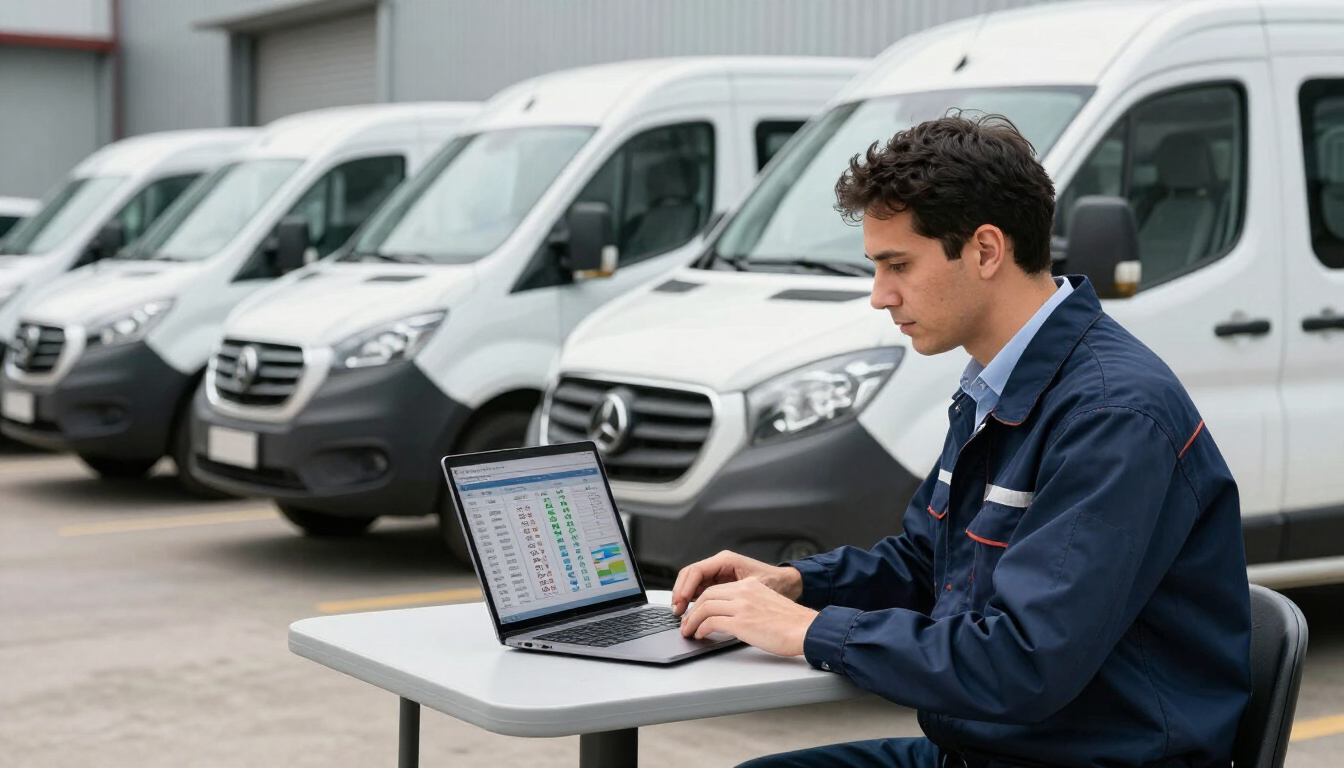
Excel is useful for simple planning, but it is not designed to coordinate live vehicle availability, driver permissions, access control, mileage, and changes across multiple locations. A spreadsheet may show a planned booking, but it usually cannot confirm whether the vehicle was collected, returned, cleaned, damaged, or used for the full reserved period.
Common spreadsheet weaknesses include:
- Conflicting edits and duplicate reservations.
- No automatic conflict prevention.
- Limited visibility into cancellations and no-shows.
- Manual reporting on utilization and costs.
- Weak connection between booking data and vehicle data.
A dedicated vehicle and resource sharing solution can centralize reservations, availability, rules, and usage records. Fleet managers gain one source of truth, while employees get a simpler way to find and book the right vehicle.
How does digital corporate car sharing improve utilization?
The goal is not simply to make more bookings. It is to ensure that the right number and type of vehicles are available when employees need them, without paying for vehicles that remain idle.
A digital car-sharing process improves utilization by making demand visible. Managers can compare reservations with actual trips, identify repeated no-shows, and see which vehicles are used only during narrow time windows. They can then adjust pool size, vehicle types, locations, or booking rules.
Useful utilization measures include:
- Hours reserved versus hours actually used.
- Trips per vehicle and average trip duration.
- Mileage by department or location.
- Cancellation and no-show rates.
- Peak demand periods and unused capacity.
These measures help distinguish a genuinely undersized fleet from an inefficiently scheduled one. Before buying another vehicle, a manager may discover that existing cars are unavailable because of poor allocation, long reservations, or inaccessible keys.

What are the main cost savings from corporate car sharing?
Corporate car sharing can reduce costs in several connected areas. The largest opportunity is often avoiding unnecessary fleet growth. If employees can reliably access shared vehicles, the organization may not need to assign a separate car to every team or maintain spare capacity at each site.
Potential savings come from:
- Fewer underused vehicles.
- Lower leasing, depreciation, insurance, and tax exposure.
- Reduced administrative work for bookings and keys.
- Better maintenance planning based on real usage.
- Fewer taxis, rentals, and mileage reimbursements for short business trips.
Cost savings should be measured against actual operating data rather than assumptions. A vehicle with low mileage may still be strategically important, while a heavily booked vehicle may be expensive because it requires frequent maintenance or causes scheduling bottlenecks.
Linking sharing data with maintenance and fleet cost management helps managers evaluate the full cost of ownership. It also supports replacement decisions based on condition, usage, and total cost—not only age or department preference.
How should companies design a corporate car-sharing process?
A successful process combines policy, technology, and accountability. The software cannot compensate for unclear rules, but clear rules become easier to apply when the system automates them.
Use this implementation sequence:
- Map current demand. Identify who uses vehicles, for which journeys, at what times, and from which locations.
- Audit the fleet. Record vehicle type, location, availability, mileage, condition, and operating cost.
- Define booking rules. Set lead times, maximum reservation periods, cancellation requirements, and priority rules.
- Choose an access method. Ensure approved drivers can collect vehicles without depending on one person or a narrow office schedule.
- Connect usage data. Compare planned bookings with actual access, trips, mileage, and return times.
- Review monthly. Remove unnecessary friction and adjust vehicle numbers, locations, and policies.
Start with one location or vehicle group if the organization has complex requirements. A controlled pilot can expose access, policy, and communication issues before a wider rollout.
What should fleet managers look for in a solution?
The right platform should support operational reality, not just online reservations. Evaluate whether it can manage:
- Multiple locations, countries, and user groups.
- Vehicle and key availability in real time.
- Driver permissions and approval workflows.
- Mobile access or connected locking options.
- Recurring bookings, cancellations, and no-show controls.
- Mileage, condition checks, and incident reporting.
- Reporting for utilization, cost, and demand.
- Integration with tracking, maintenance, and compliance processes.
Security and privacy also matter for international businesses. Access rights should be role-based, data handling should be transparent, and administrators should be able to review who accessed which vehicle and when.

How can companies measure success?
Set a baseline before making changes. Measure vehicle utilization, booking conflicts, access-related delays, administrative hours, cost per vehicle, and employee satisfaction. Then compare results after the pilot and at regular intervals.
A strong result may include higher actual usage, fewer idle vehicles, faster access, fewer manual corrections, and better visibility of demand. The objective is not maximum utilization at any cost. Vehicles must remain available for critical work, and schedules should not encourage unsafe or rushed use.
Key takeaways
Corporate car sharing works best when booking, access, usage, and cost data are managed together. Replacing spreadsheets and physical key handovers with a controlled digital process helps fleet managers see real demand, reduce idle capacity, and support employees beyond normal office hours. Begin by auditing current usage and identifying the largest operational bottleneck. Then test a solution in one location, measure utilization and cost changes, and refine the rules before expanding. For larger organizations, connect sharing with tracking, maintenance, compliance, and fleet administration so every vehicle decision is based on reliable operational data.
Recent Posts